

Appearance

Columns and layout
Short fields read better side by side: first and last name, phone and email, city and postcode.
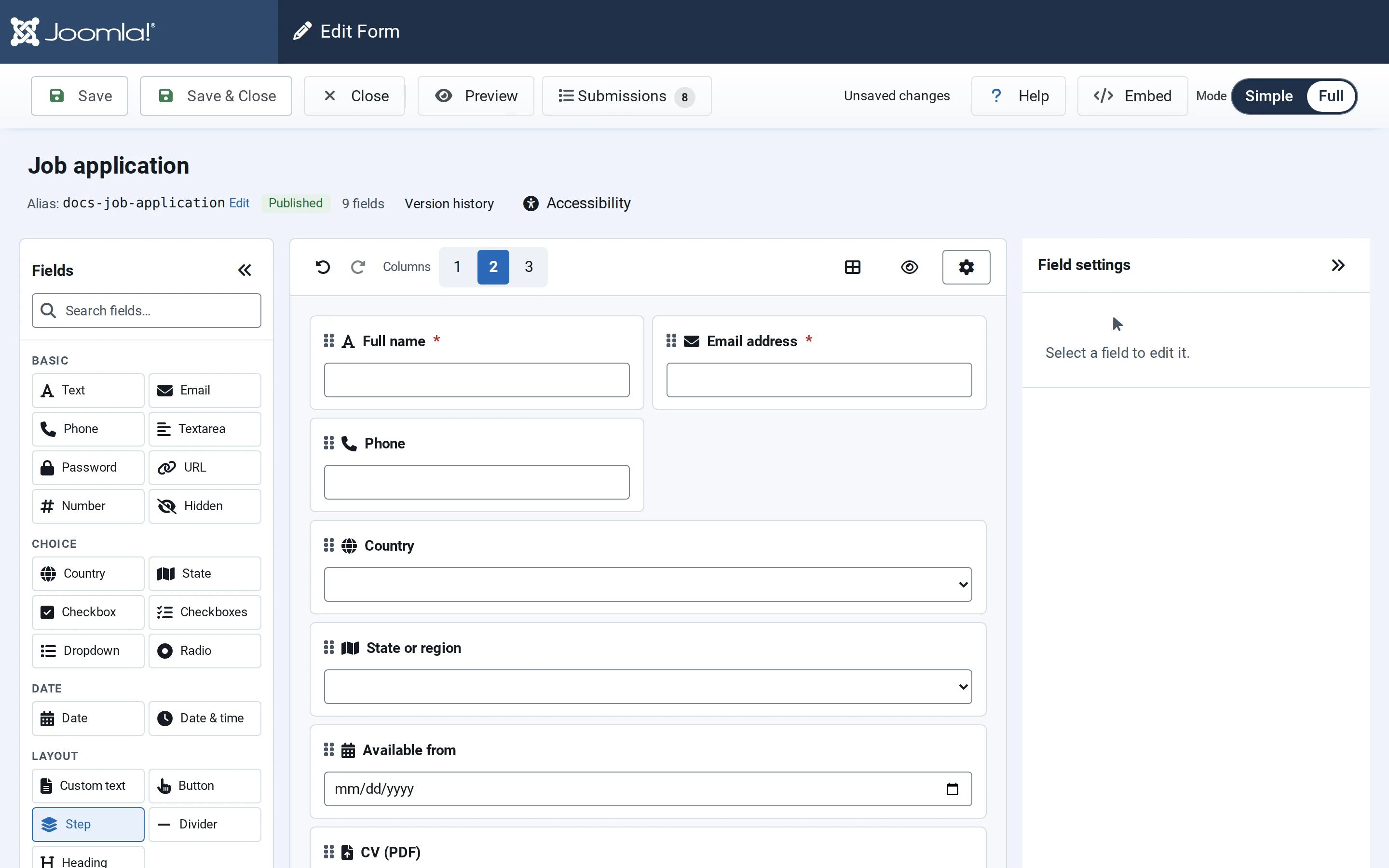
Choose the number of columns
Above the canvas, Columns switches the form between 1, 2 and 3 columns. The canvas shows the result straight away.
Set a field's width
In a two- or three-column form, each field's … menu lists Full, Half and Third width, with the current width ticked. A full-width field takes a whole row, which suits long answers such as a message.
Buttons have their own Width (Inline, Full row, Half row or Third row) and Alignment (Left, Center, Right) in their settings.
On phones
On screens up to 640 px wide, fields stack in one column, so visitors never scroll sideways; on tablets, a three-column form uses two. Inputs on phones are at least 44 px tall with 16 px text, and step buttons stack too.