

Appearance

Messages and redirects
The General section of the form settings (After submit in Simple mode) decides what happens when someone sends the form.
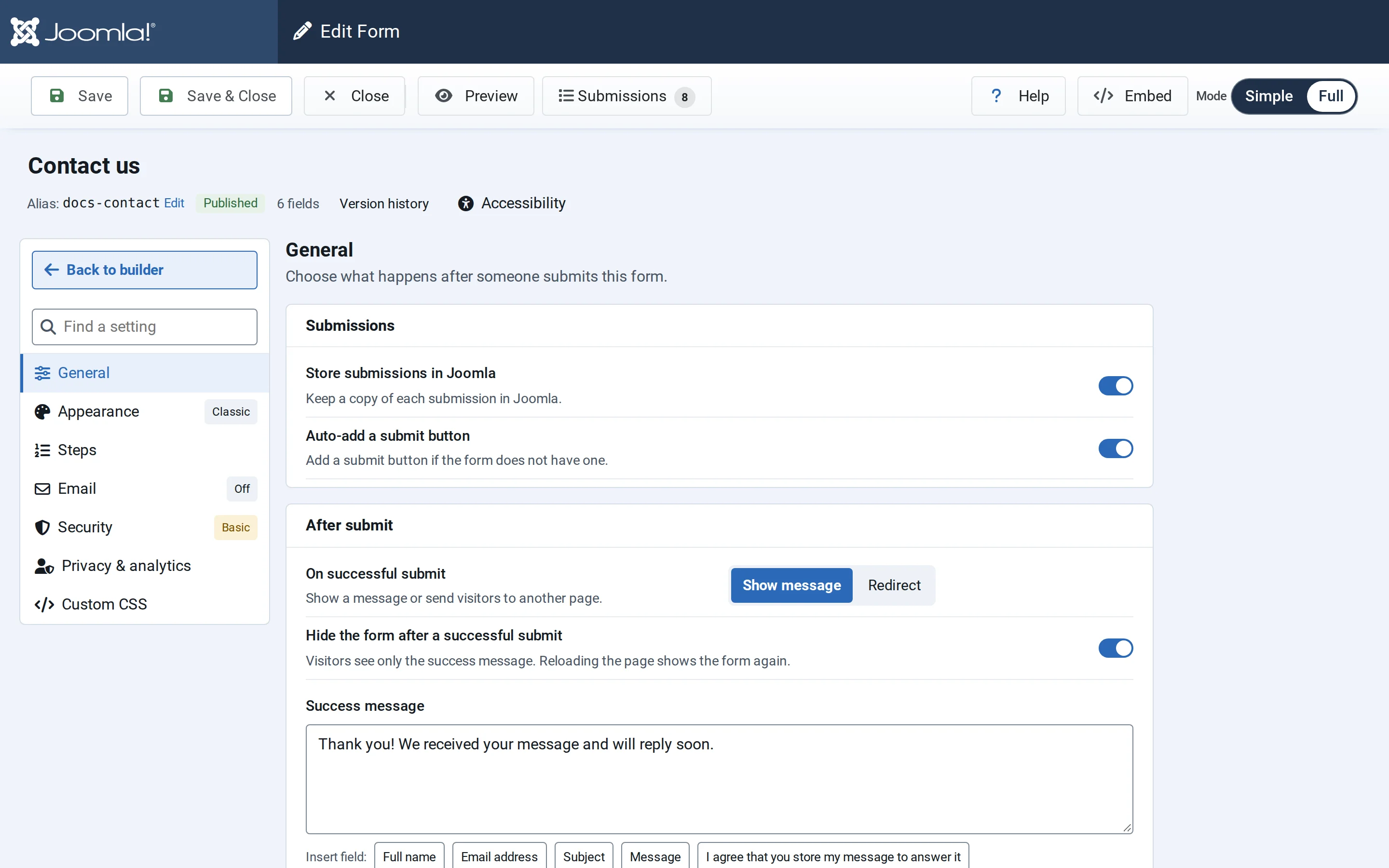
Submissions
- Store submissions in Joomla keeps a copy of each entry under Components → NXForms → Submissions. Switch it off if the form only sends emails or passes entries to another service. Files uploaded to such a form are then kept for 30 days, so the links in notification emails keep working, and the NXForms — Submissions cleanup task deletes them after that. Set up the task as described in Privacy and retention.
- Auto-add a submit button adds a submit button if the form has none.
After a successful submit
On successful submit offers two choices:
- Show message: the form shows your Success message in a green confirmation panel. Insert field buttons below the message add an answer, for example to thank the visitor by name.
- Redirect: the visitor goes to another page, such as a thank-you page. Use a page on your own site; addresses on other sites are ignored and the success message shows instead.
Hide the form after a successful submit leaves only the success message on the page. Reloading the page shows the form again.
The Error message is shown when the form can't be submitted, for example when the server rejects it.