

Appearance

Slack Pro
Deprecated
The Slack integration will be removed in a future version. It keeps working until then.
Posts a message to a Slack channel each time the form is sent. It comes with NXForms Pro.
What you need
An incoming webhook for the channel, created in Slack. Its address starts with https://hooks.slack.com/services/.
Set it up
In the form's settings, open Integrations and select Slack.
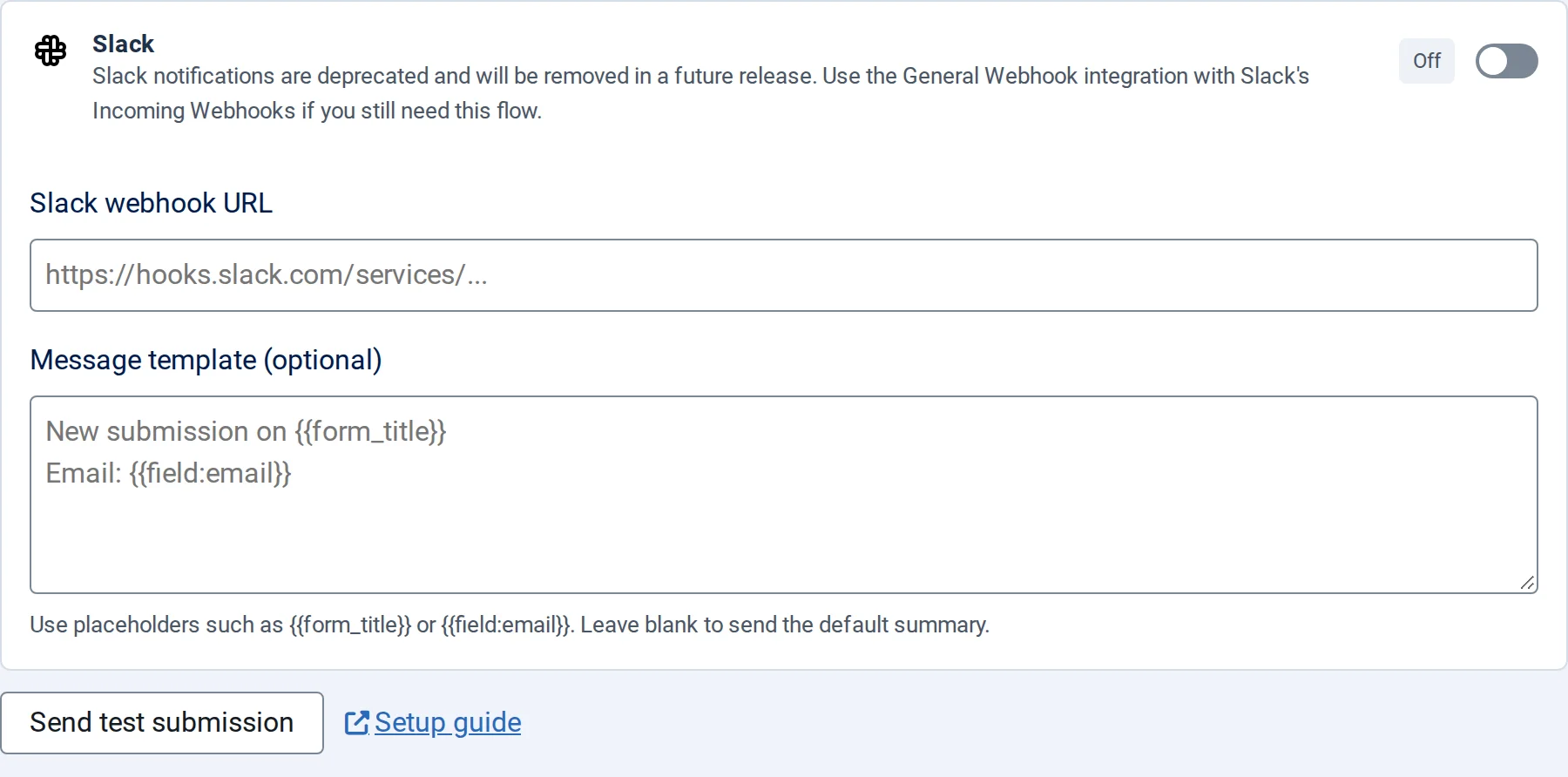
- Switch on Enable Slack and paste the Slack webhook URL.
- Optionally write a Message template (optional) with
{{form_title}}and answers as{{field:key}}. Empty, the message lists every answer. - Save the form.