

Appearance

Validation
NXForms checks answers twice: in the visitor's browser, so mistakes show before anything is sent, and on your server, so a tampered request can't skip a check.
Built-in checks
- Required fields must be answered.
- Email and URL fields must hold a valid address.
- Number and Slider fields respect their minimum and maximum.
- Choice fields only accept the options you listed.
When a submission fails, a "There is a problem" summary appears above the form and links to each field with an error. Each error shows next to its field and is announced by screen readers.
Validation rules
For Text, Email, Phone, URL, Number, Textarea and Password fields you can add a rule:
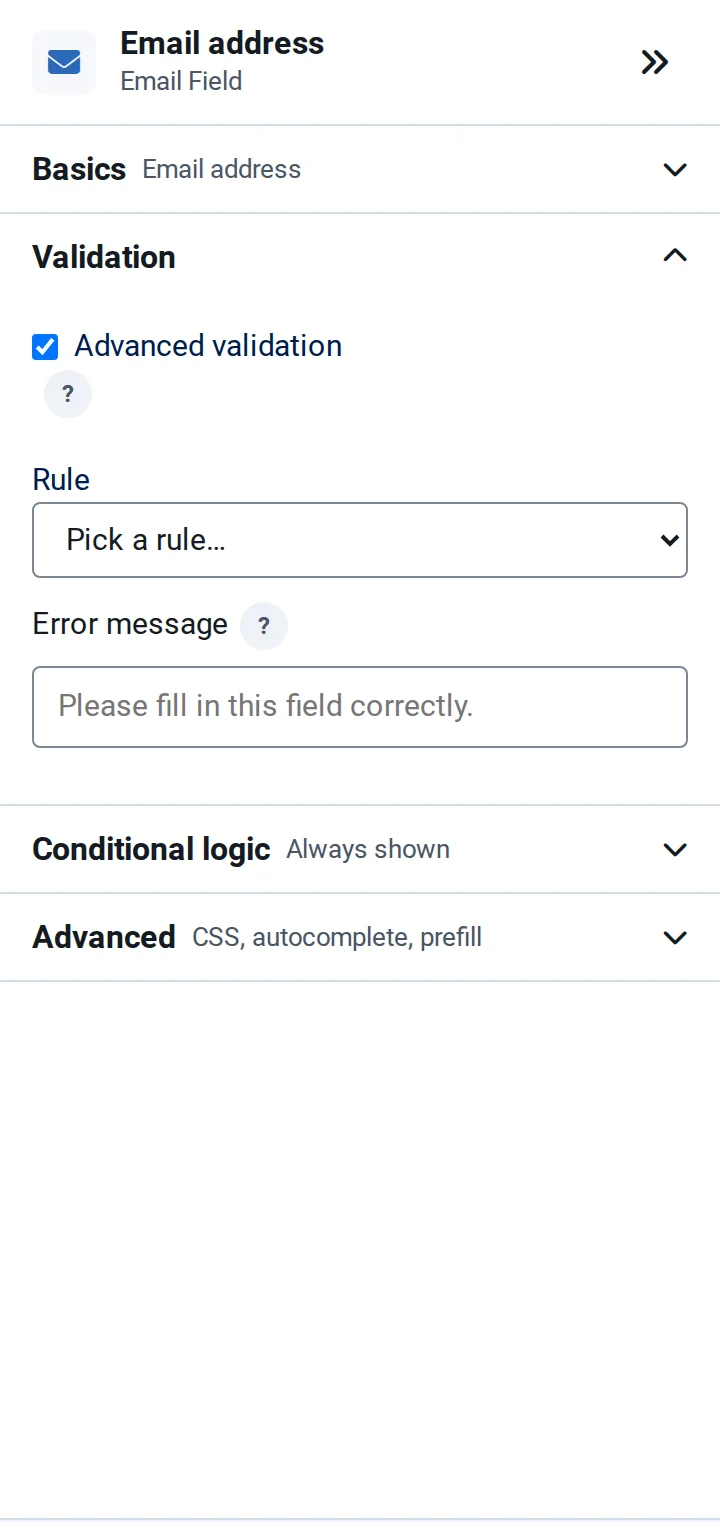
- Select the field and open Validation.
- Tick Advanced validation and choose a Rule.
- Optionally write an Error message; otherwise the visitor sees "Please fill in this field correctly."
| Rule | Accepts |
|---|---|
| Letters only, Letters and spaces, Letters and digits | Plain letters (a–z), optionally with spaces or digits |
| … (incl. accents) | The same, with accented letters such as é or ü |
| Digits only, Digits and spaces | Numbers written as digits |
| Minimum length, Maximum length | Answers with at least or at most a number of characters |
| Email address, Email with DNS check | A valid email address; the DNS check also asks whether its domain can receive mail |
| URL, IP address | A web address or an IP address |
| Phone number, US ZIP code | A phone number or a US ZIP code |
| Must match another field | The same answer as another field, such as a repeated email address |
| Regular expression, Custom character set | Answers matching your own pattern or set of allowed characters |
| Credit card number, IBAN (bank account) | A number that passes the card or IBAN checksum |
| Restricted words | Answers without the words you list |
| Passphrase match | A passphrase you set, for example to protect a form for a group |
| Multiple rules combined | Several rules at once |
The error message also applies to the built-in checks, for every field type that collects an answer.