

Appearance
Configuration

Core settings
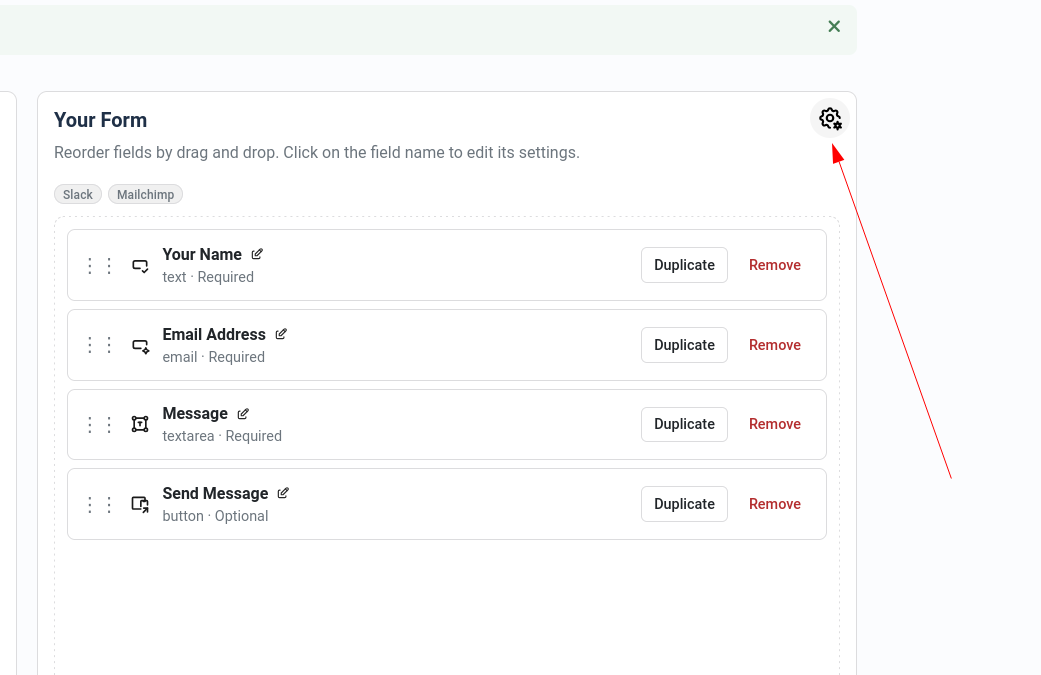
- Form defaults: enable submission storage, notifications, and submission limits.
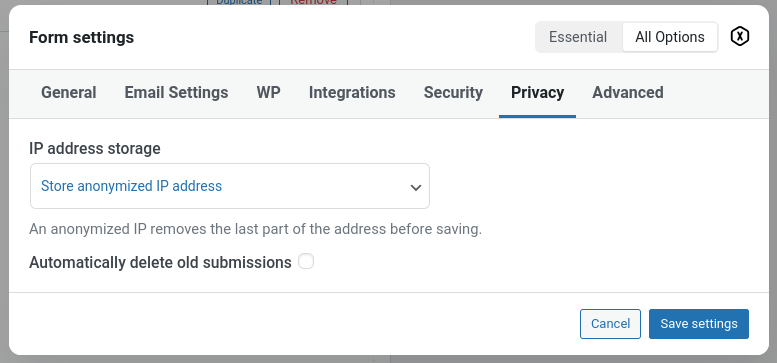
- Privacy: choose IP storage mode (full, anonymised, or none) and set retention days.
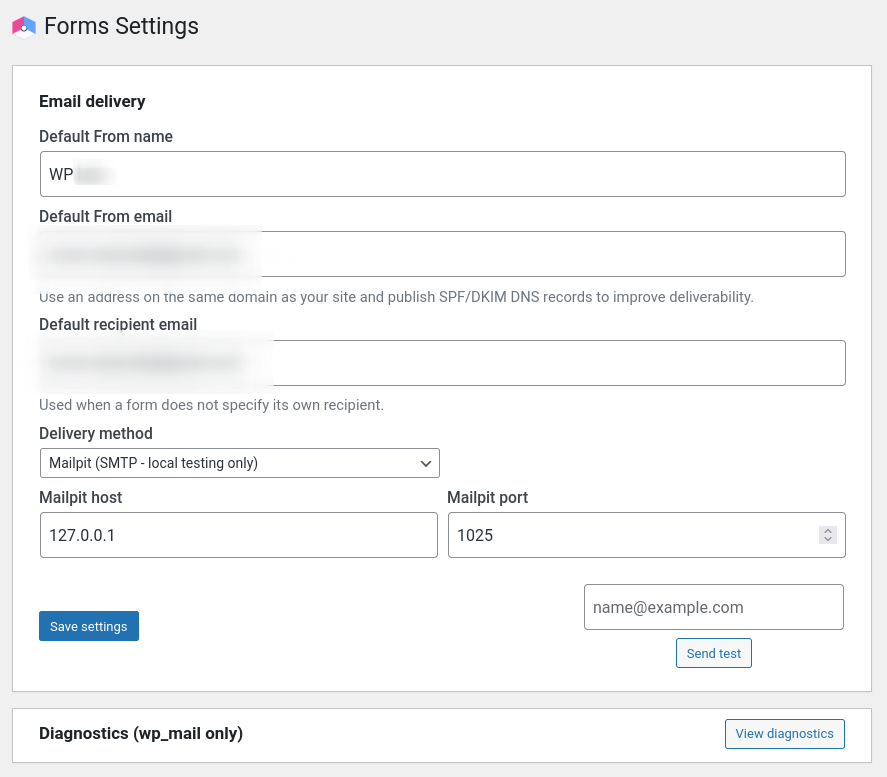
- Email delivery: configure your preferred email provider (see below).
Email delivery providers
Choose how notification emails are sent. Formatrica supports 9 email providers:
| Provider | Type | Best for |
|---|---|---|
| WordPress Default | Built-in | Simple sites using server mail |
| SendGrid | API | High-volume sending with deliverability tracking |
| SMTP2GO | API | Reliable delivery with detailed analytics |
| Mailgun | API | Developers needing flexible API options (EU/US regions) |
| Postmark | API | Transactional emails with fast delivery |
| Brevo (Sendinblue) | API | Marketing and transactional in one platform |
| Amazon SES | API | Cost-effective for AWS users |
| Custom SMTP | SMTP | Your own mail server or other SMTP providers |
| Mailpit | SMTP | Local development and testing only |
Setting up a provider
- Go to Settings → Email in the Formatrica settings.
- Select your provider from the dropdown.
- Enter your API key or SMTP credentials.
- Send a test email to verify the connection.
TIP
API providers (SendGrid, Mailgun, etc.) are more reliable than server mail for production sites. They offer better deliverability and detailed sending reports.
Privacy controls
WordPress settings
Security & anti-spam
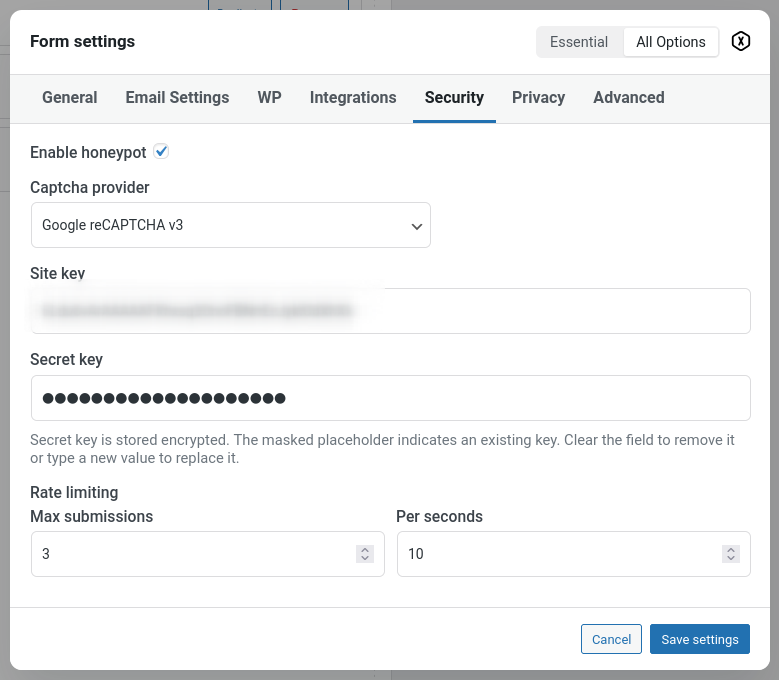
- Honeypot protection (enabled by default).
- CAPTCHA providers: Google reCAPTCHA v3, Cloudflare Turnstile, FriendlyCaptcha.
- Rate limiting and minimum submission time detection.
- File upload validation by size and file type.
- Encrypted secrets at rest (CAPTCHA/API credentials).
- Password-field value redaction in notifications/integration payloads.
Integrations
Enable integrations per form and map fields as needed:
- Webhooks (Zapier, Make, custom endpoints)
- Slack notifications
- Mailchimp
- WordPress Post creation with ACF support
- WooCommerce order generation
- HubSpot, Salesforce, and Twilio SMS (Pro)
See the Integrations section for detailed setup.